Guides
Retool New Table Component: How to Disable Sort
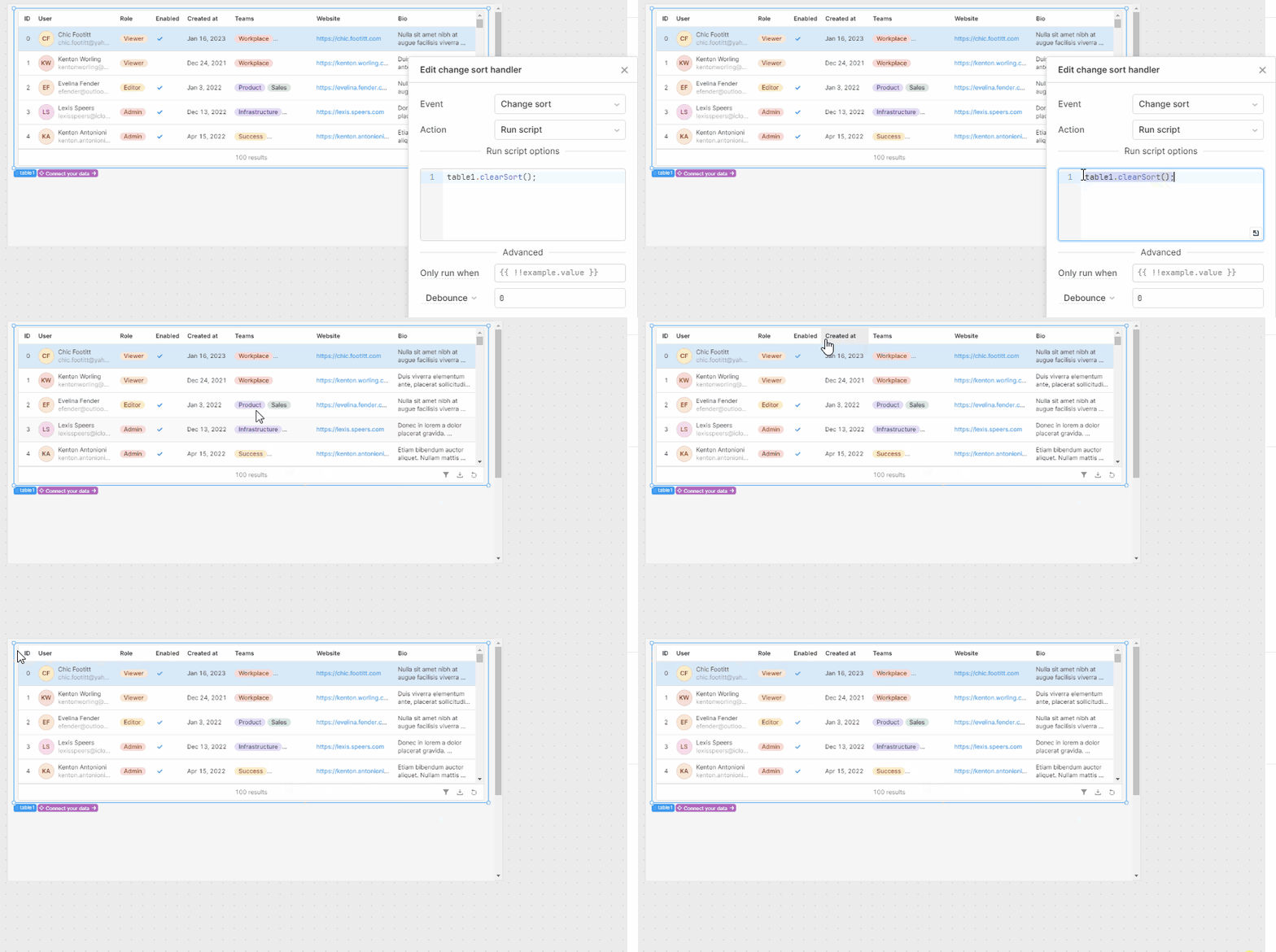
If you've migrated to Retool's new table component and can't find the option to disable sorting, you're not alone. The ability to disable sort in Retool's new table component was a standard feature in the legacy table, and its absence has frustrated builders across the community. This guide explains the current state of the feature, why it matters, and what workarounds you can use today.
What's Missing in the New Retool Table Component?
When Retool released its redesigned table component, it brought a cleaner UI and better defaults — but it also shipped without full feature parity with the legacy table. The three most commonly reported missing features are:
- Disable sorting — no way to prevent users from clicking column headers to sort
- Dynamic height — the table doesn't automatically grow to fit its content (auto height)
- Dynamic column settings — the ability to configure columns programmatically at runtime
Retool has confirmed all three are on the roadmap and actively being worked on. Auto height shipped to Cloud shortly after the thread was opened. Disable sort and dynamic column settings were still pending as of the community discussion.
Why Disabling Sort Actually Matters
This isn't just a cosmetic preference. There's a real functional reason builders need to disable sorting on specific columns — and it comes down to how Retool handles formatted values.
Say you want to display currency in your table as $2.25 instead of US$2.25. The only reliable way to achieve that format is to store the value as a string rather than a number. The problem: once that column contains strings, Retool sorts it lexicographically (alphabetically), not numerically. That means $9.00 sorts after $100.00 — which is wrong and confusing for users.
If you could disable sorting on that column entirely, the problem goes away. But without that option in the new table component, you're stuck choosing between correct formatting and correct sort behavior.
Current Workarounds for Disabling Sort in the New Table
Until Retool ships native support for disabling sort, here are the best options available:
- Stay on the legacy table component — If disabling sort is a hard requirement, the legacy
Tablecomponent still supports it. You can continue using it until the new component reaches feature parity. Just be aware that Retool will eventually deprecate the legacy version. - Keep numeric columns as numbers — Avoid formatting currency or numeric values as strings inside the table. Instead, use Retool's built-in column formatting (e.g., set the column type to
Currency) so the underlying value stays a number and sorts correctly, even if the display isn't exactly what you want. - Format values in your query — If you need precise display formatting, do it upstream in SQL or JavaScript before the data hits the table. For example, use a
transformedDataquery to strip currency symbols and store a raw float, then add a prefix in a separate display column. - Use a custom column renderer — In the new table component, you can use a
Custom Columnwith a custom component or mapped value to control display independently from the underlying sort key. This separates the display value from the sort value.
How to Format Currency Without Breaking Sort (Step-by-Step)
This is the most practical path right now if you need both correct formatting and correct sort behavior:
- Step 1: In your database query or a
transformedDataJavaScript query, return your currency values as raw floats (e.g.,2.25, not"$2.25"). - Step 2: In the new table component, click on the column you want to format. Set the column type to
Currencyunder the column settings panel. - Step 3: Configure the currency symbol and decimal precision in the column settings. This keeps the underlying data numeric while rendering a formatted display value.
- Step 4: If the built-in currency format doesn't match your exact requirement (e.g., you want
$2.25notUS$2.25), try setting the column type toNumberand using aPrefixof$— the value stays numeric, so sort works correctly.
Will Retool Add Disable Sort to the New Table?
Yes — Retool has explicitly confirmed this is on their roadmap. A member of the Retool team posted in the community thread: "We're working on a feature for disabling sorting." The feature has received consistent upvotes and follow-up requests from the community, which typically accelerates prioritization.
In the meantime, watch the original community thread for updates, or subscribe to Retool's changelog for release announcements.
Bottom Line
The new Retool table component doesn't yet support disabling sort on individual columns — it's a known gap that the team is actively closing. For most use cases, keeping your data as a numeric type and using Retool's built-in column formatting is the cleanest workaround. If you have a hard dependency on disabling sort, the legacy Table component is still your best bet for now. Check back as Retool continues shipping feature parity updates to the new component.
Ready to build?
We scope, design, and ship your Retool app — fast.