Guides
Retool Legacy Table Deprecated: What to Do Next
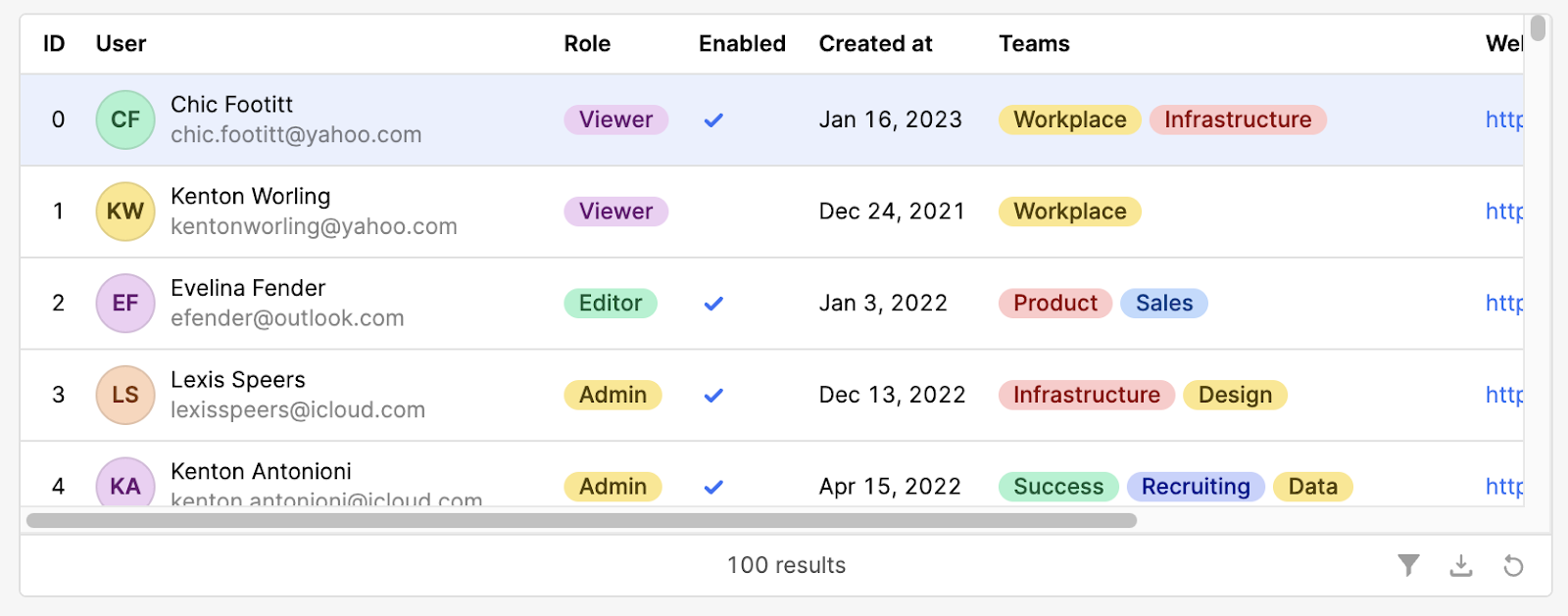
Retool has officially deprecated the Legacy Table component, and if your apps still rely on it, you're likely wondering what this means for your team. The short answer: nothing breaks today — but the clock is ticking. The Retool legacy table deprecated announcement marks the end of new legacy table creation, and it's a strong signal to start migrating. This guide covers what changed, what's at risk, known issues with the new Table, and exactly how to move forward.
What "Deprecated" Actually Means for Your Retool Apps
Deprecating the Legacy Table does not mean your existing apps will break immediately. Apps that already use the legacy table will continue to function. What changes is that you can no longer add new Legacy Table components to apps by default. Retool made this move after reaching feature parity between the old and new table components — adding things like button columns, rating columns, and image columns to the new Table.
Think of it as a hard freeze: what you have works, but you can't build more of it, and long-term support is not guaranteed.
How to Re-Enable the Legacy Table Component (If You Still Need It)
If your team has workflows that depend on the Legacy Table and you're not ready to migrate, you can re-enable access at the org level. Here's how:
- Log in as an admin on your Retool instance.
- Navigate to
Settings→Beta. - Search for "deprecated components".
- Toggle it on to restore access to the
Legacy Tablefor your entire organization.
This is a temporary lifeline, not a long-term strategy. Use it to buy time while you plan your migration — not to avoid migrating altogether.
Key Differences Between the Legacy Table and the New Table
The new Table component is more performant and ships with features the legacy version never had. But it does handle a few things differently, and if you're not aware of the gaps, you'll hit friction during migration.
- Column reordering: The
Legacy Tablelet you pass a dynamic value directly to control column order. The newTableuses drag-and-drop in the right-side inspector panel — which works great for static layouts, but doesn't support programmatic reordering driven by, say, a dropdown of saved layouts. - Dynamic columns: The new table's
Dynamic Columnssetting is designed for variable numbers of columns, not dynamic ordering. If you need to rearrange column order based on user selection, this isn't a drop-in replacement. - Column widths: When
Dynamic Columnsis enabled on the new table, you lose the ability to set specific column widths. This is a known limitation that Retool has flagged for improvement. - Button, rating, and image columns: These are new additions exclusive to the new
Table— features the legacy component never had.
The Dynamic Column Order Problem (And the Workaround)
One of the most common reasons teams are holding onto the Legacy Table is dynamic column ordering. A typical use case: a dropdown menu lets users select a "saved layout," and selecting it should automatically reorder the table columns to match. In the Legacy Table, you could pass a dynamic value directly to the column order property. In the new Table, there is currently no equivalent code-driven way to do this.
The manual workaround is to reorder columns in the inspector panel, but this doesn't help when the order needs to change at runtime based on user input. If this is your situation, here's what you can do right now:
- Re-enable deprecated components via
Settings → Betaand continue using theLegacy Tablewhile monitoring Retool's changelog for updates to the new table's column ordering API. - As a partial workaround on the new table, restructure your query to return columns in the desired order dynamically — though this ties your UI logic to your data layer, which isn't ideal.
- Submit a feature request to Retool directly, or upvote the existing request in the community thread so it gets prioritized.
Retool's team has acknowledged this gap and confirmed the feature request has been submitted internally. An update is expected, but no timeline has been given.
Known Bug: Legacy Table Action Links Breaking in Apps
Some teams have reported a separate issue: action links inside the Legacy Table that point to other Retool apps are breaking. The symptom is a redirect loop — the browser tries to load https://<org>.retool.com/apps/<app> but gets bounced to a double-path URL like https://<org>.retool.com/apps//<app>, leaving the page blank.
If you hit this, navigating directly to the second (double-slash) URL does load the app correctly, which confirms it's a redirect path bug rather than a permissions issue. This is being investigated by Retool support. If you're affected, open a support ticket and reference the behavior above so their team has full context.
Should You Migrate Now or Wait?
For most teams, migrating to the new Table now is the right call. It's faster, has more features, and is where all future development is happening. The migration path is straightforward for standard use cases: swap the component, re-map your columns in the inspector, and test your action buttons.
If you rely on programmatic column reordering based on user input, it's reasonable to stay on the Legacy Table short-term using the deprecated components toggle. Just document this dependency clearly so your team knows it's a technical debt item, not a permanent solution.
The new Table component documentation lives at retool.com/components/table-new and covers all current features. Start there, map your legacy columns to their new equivalents, and flag any gaps to Retool's team — they are actively listening.
Ready to build?
We scope, design, and ship your Retool app — fast.